 |
 |
Instructions |
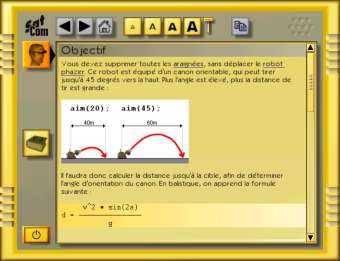
Each
exercise begins with precise instructions, often completed
with an illustration. The goals and main programming
principles are explained. Sometimes the program is developped
completely with an explanation for each line, sometimes
you are given a few clues to help you write the program
yourself. But a solution is always at hand. You'll never
be stranded in the middle of nowhere!
|

|
|
 |
Editor |
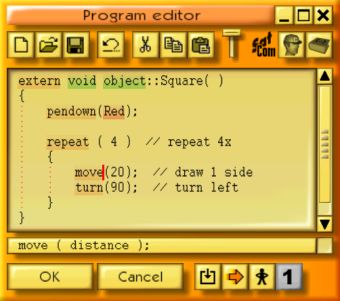
This
is a screen print of the editor. The CeeBot key words
are highlighted. Identation is automatic. As soon as
you type an instruction, a summary of the syntax appears
at the bottom of the screen. If necessary, you can call
up a complete help text just by clicking an icon.
Spelling mistakes are immediately pointed out.
You can use a step-by-step debugger that executes your
program showing all the variables in real-time.
|